




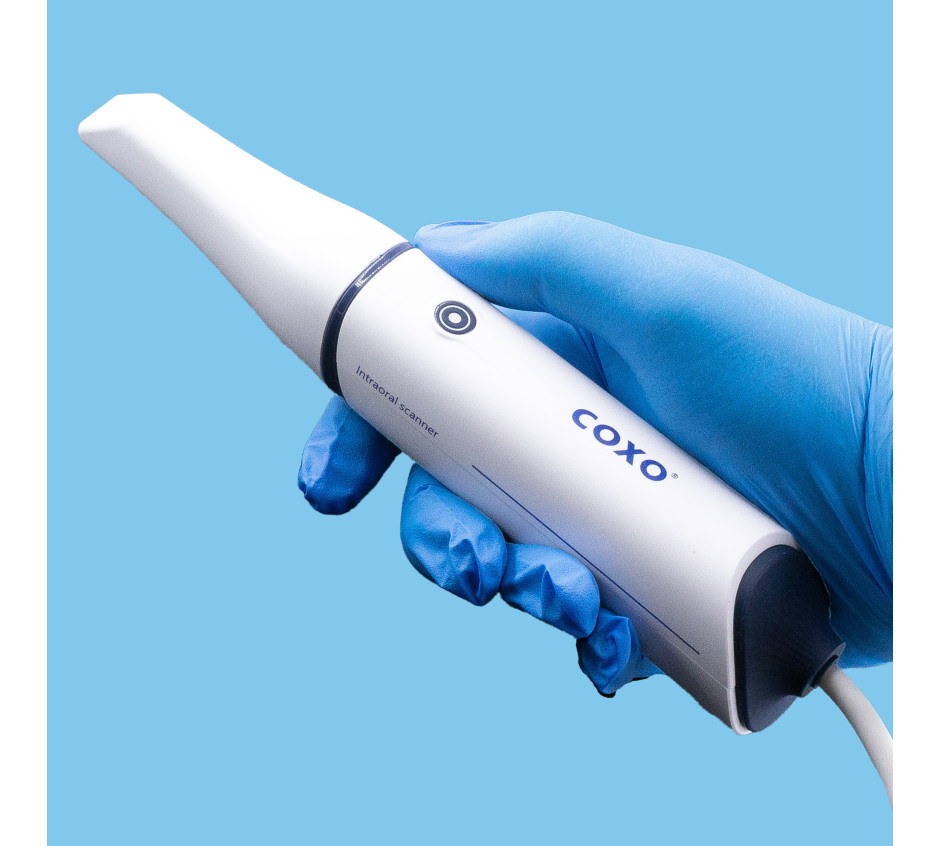
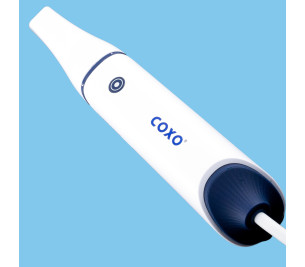
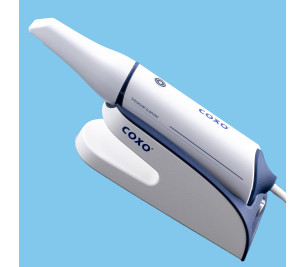
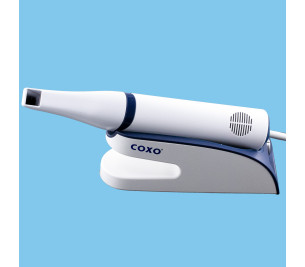
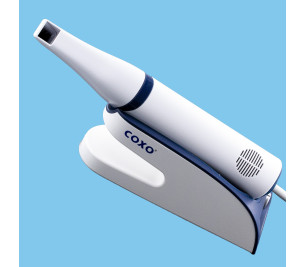
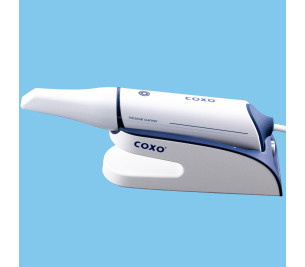
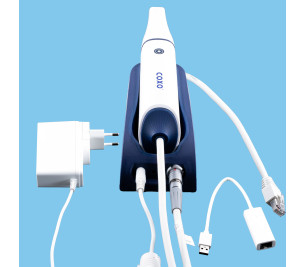
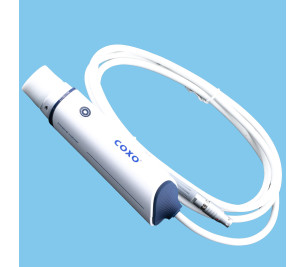
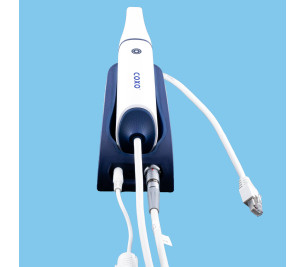
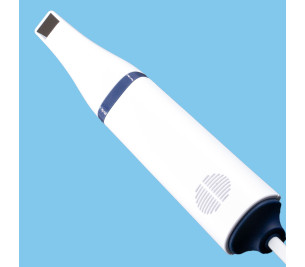
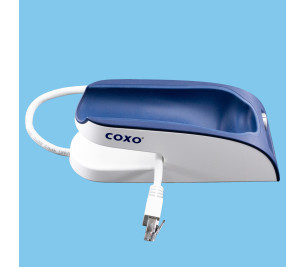
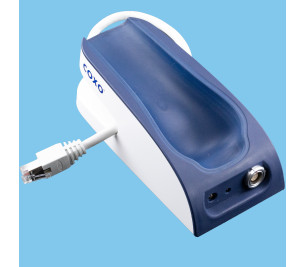
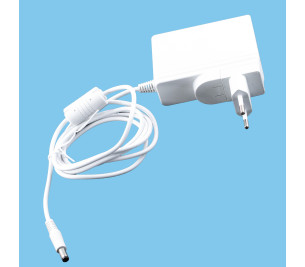
Launca digital impression scanner, DL-300P.
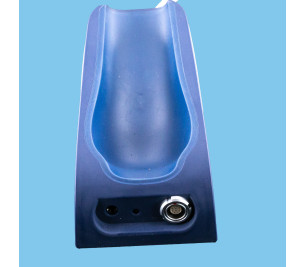
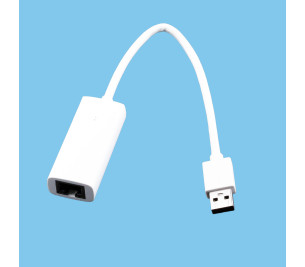
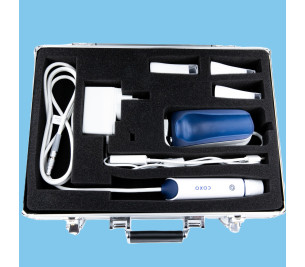
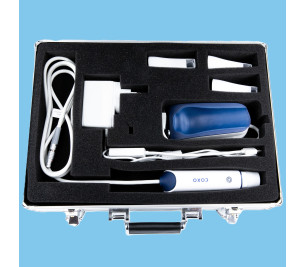
Only the scanner is sold here, without a PC or cart. Only the items shown in the photos are provided.
Equipment distributed by Coxo, and by DFC Instruments in France.
Very precise equipment. Accuracy to 10 microns.
Fast and intuitive.
Lightweight handle of 180 grams.
Large image capture of 17 x 15 mm.
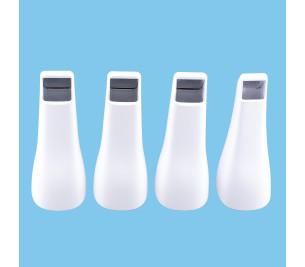
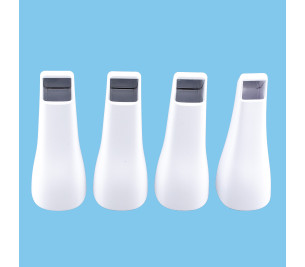
Two "head" widths supplied and available for impression-taking.
Autoclavable head more than 80 times.
Equipment not compatible with Apple computers.
Equipment guaranteed for one year.

Coxo is the distributor of the LAUNCA scanner for France, distributed by DFC instruments ;
The hardware is of excellent quality, with excellent resolution.
It has two head sizes for taking impressions (one large, one small). Two large heads and one small head are supplied with the scanner.
The scanner is fast. 30 seconds for an impression per arch. Very intuitive to use.
The hardware is guaranteed for one year.
You have 30 days to try the hardware and return it to us for a refund if it does not suit you (provided you return it complete in its original packaging and in PERFECT resalable condition.)
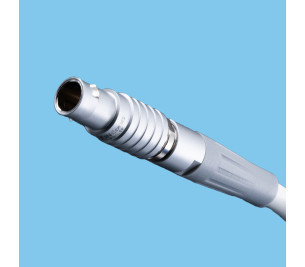
The hardware is wired (the handpiece is connected to the unit by a cable).
The hardware is extremely simple to connect and extremely simple to use, very intuitive.
The hardware operates with a computer (not supplied with the scanner.)
Only the scanner is sold here, without a PC or cart. Only the items shown in the photos are supplied. To operate, the hardware must be connected to a PC (The hardware is not compatible with an Apple computer).
The ABSOLUTE MINIMUM specifications of the PC for the scanner to function correctly are as follows ; (Without this minimum requirement for the PC specifications, the scanner will not work, or will work poorly).
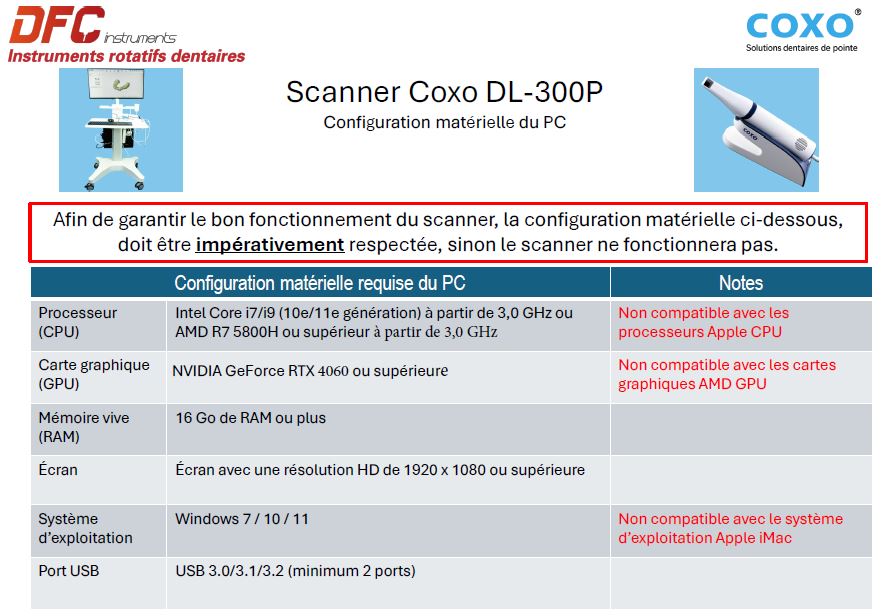
In order to install the scanner software, we have created a video showing the procedure to follow. Normally, the installation should not cause any particular problems if the computer specifications are met and if you follow the tutorial correctly.
However, if you encounter a problem installing the software on your PC, you will need to call in your IT technician to install it correctly.
Module 1 ; How to install the DL-300P scanner operating software on your PC
Click here to download the software.
Click here to download the software to check the compatibility of your computer with our scanner
Then a series of 5 videos that allow you to see the operating characteristics of the hardware. These videos also usefully serve as a user guide.
Module 2 ; Language configuration in French
Module 3 ; General application management by the administrator
Module 4 ; Practitioner management
Data sheet


Launca digital impression scanner, DL-300P.
Only the scanner is sold here, without a PC or cart. Only the items shown in the photos are provided.
Equipment distributed by Coxo, and by DFC Instruments in France.
Very precise equipment. Accuracy to 10 microns.
Fast and intuitive.
Lightweight handle of 180 grams.
Large image capture of 17 x 15 mm.
Two "head" widths supplied and available for impression-taking.
Autoclavable head more than 80 times.
Equipment not compatible with Apple computers.
Equipment guaranteed for one year.